 PassportPhotoFlow
Green card and USCIS photo
USCIS applications, such as green card and naturalization forms, ask for 2×2 inch passport-style photos. Take yours at home with your phone.
Green card / USCIS is pre-selected when you start from this page. The 4×6 print sheet gives you two identical 2×2 photos to cut out.
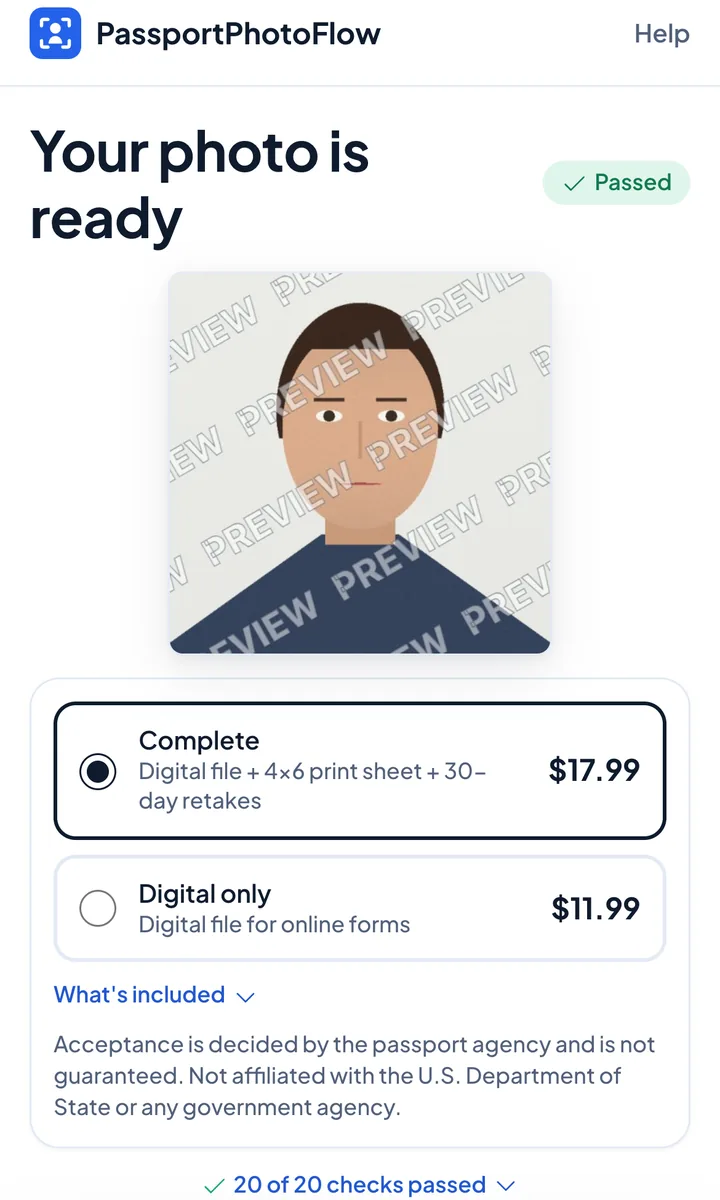
One-time purchase, no subscription. You see your checked photo before you pay.
Not affiliated with the U.S. Department of State or any government agency. We don't submit applications; government fees are separate.
How to do it
- 1
Start with Green card / USCIS pre-selected and take the photo against a plain white or off-white wall
- 2
See the check and retake if anything is flagged
- 3
Print the 4×6 sheet at home or at a photo kiosk and cut out the two photos
You download a digital photo file sized for online applications; the complete option adds a 4×6 print sheet.
Before you send it
- Check your form's instructions for how many photos to include
- Print at 100% / actual size so each photo is exactly 2×2 inches
- Print on thin, glossy photo paper and leave the photos unmounted
- Don't staple or damage the photos; follow your form's instructions for labelling
Good to know
- Your photo is checked against the main U.S. Department of State photo requirements (size, head position, background, glasses, expression, lighting) before you pay
- Take it at home in minutes with your phone
- We never digitally alter your face or background - we only crop and size your photo to the required 2×2 inch size
- Acceptance is decided by the passport agency and is not guaranteed
- Not affiliated with the U.S. Department of State or any government agency
Questions
How many photos does USCIS need?
Many USCIS forms ask for two identical passport-style photos; check the instructions for your form. The 4×6 print sheet has two 2×2 photos.
Is a USCIS photo the same as a passport photo?
USCIS asks for passport-style photos: 2×2 inches, color, plain white or off-white background, full face toward the camera.
Do I get a digital file too?
Yes. Every order includes the digital photo file.
Make my USCIS photo
Start nowOne-time purchase, no subscription. You see your checked photo before you pay.