 PassportPhotoFlow
Digital passport photo for online renewal
Renewing your U.S. passport online? You upload a digital photo instead of mailing prints. PassportPhotoFlow gives you a 600×600 pixel JPEG sized for it.
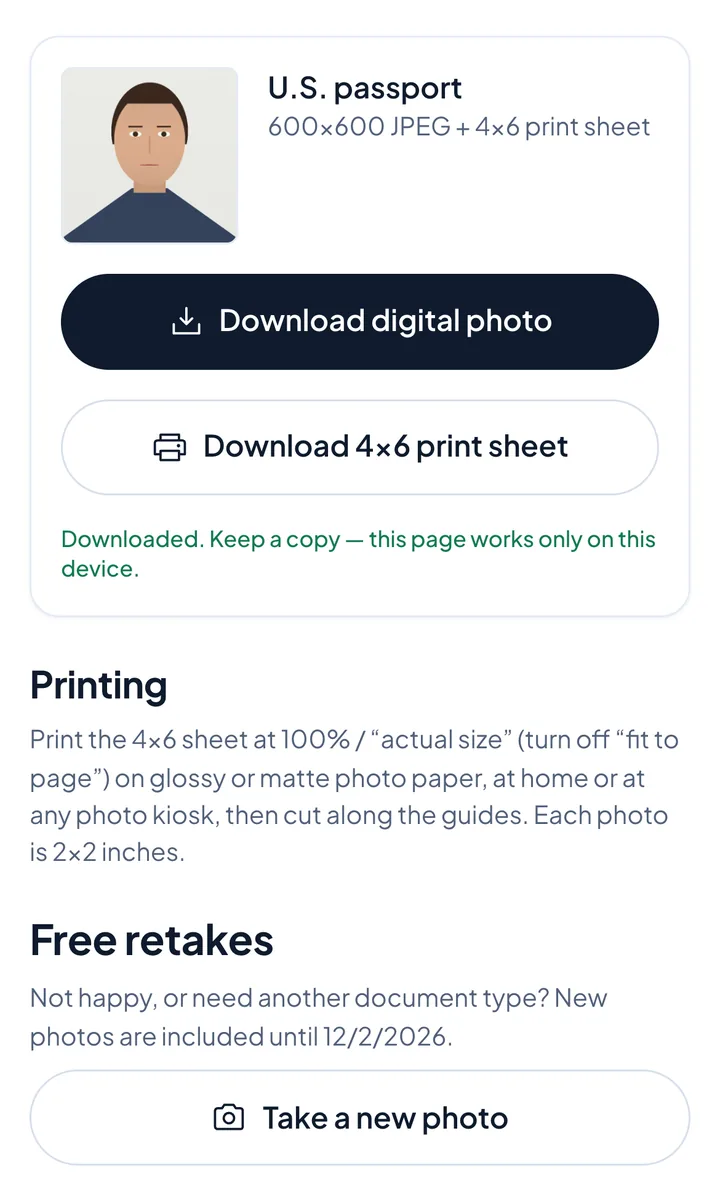
The digital file is included with every order, and the complete option adds a 4×6 print sheet in case you also need prints.
One-time purchase, no subscription. You see your checked photo before you pay.
Not affiliated with the U.S. Department of State or any government agency. We don't submit applications; government fees are separate.
How to do it
- 1
Take the photo against a plain white or off-white wall
- 2
See the check and retake if anything is flagged
- 3
Download the 600×600 JPEG and upload it to your application
You download a digital photo file sized for online applications; the complete option adds a 4×6 print sheet.
Digital photo specs
- Square JPEG, 600×600 pixels (the allowed range is 600×600 to 1200×1200)
- 240 kB or less
- Color, in focus, not digitally changed, no filters
Good to know
- Your photo is checked against the main U.S. Department of State photo requirements (size, head position, background, glasses, expression, lighting) before you pay
- Take it at home in minutes with your phone
- We never digitally alter your face or background - we only crop and size your photo to the required 2×2 inch size
- Acceptance is decided by the passport agency and is not guaranteed
- Not affiliated with the U.S. Department of State or any government agency
Questions
Which file do I upload for online renewal?
The digital photo: a square 600×600 pixel JPEG, 240 kB or less.
Who decides if my photo is accepted?
The passport agency reviews every photo. Our check covers the main photo requirements (size, head position, background, glasses, expression, lighting) before you pay.
Do I also get prints?
The complete option adds a 4×6 print sheet; the digital option is the file only.
Get my digital photo
Start nowOne-time purchase, no subscription. You see your checked photo before you pay.